Optional, up to 3 texts. They will be placed on the visual with a clean layout.
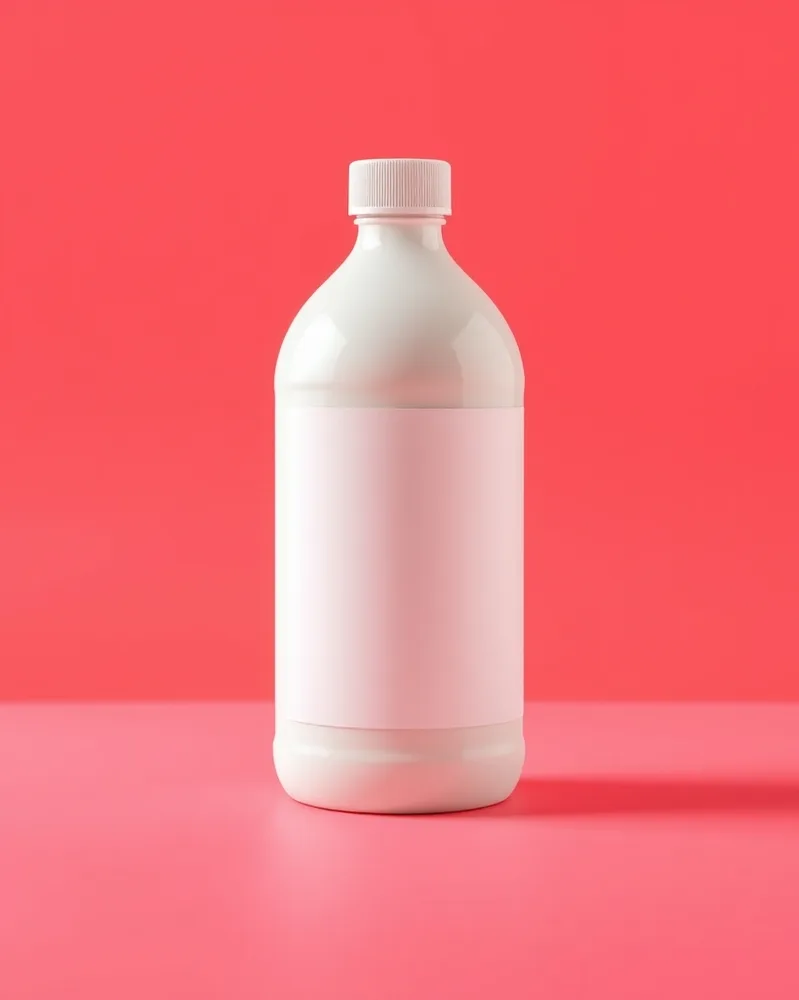
/metaad : With the product(s) in the attached photo, create an advertising image for the Facebook and Instagram feed: large sharp product in the center, simple high-contrast background, vivid colors, a composition readable even small on a phone, wide free space at the bottom for the ad text. vertical 4:5 format. Each product stays perfectly identical (shape, colors, logo, label). No added text. If the photo shows several products, keep them all, identical and clearly visible. Adapt the setting to the nature of the product: add nothing unrelated to it (no water unless it is a water-related product).
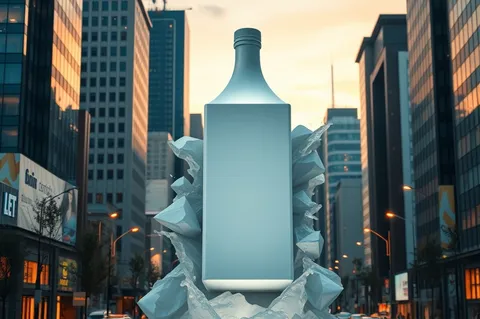
/billboard3d : With the product(s) in the attached photo, create the giant product bursting in relief out of a large 3D urban billboard, city at dusk, spectacular sense of scale, warm street lighting, realistic photo look. landscape 3:2 format. Each product stays perfectly identical (shape, colors, logo, label). No added text. If the photo shows several products, keep them all, identical and clearly visible. Adapt the setting to the nature of the product: add nothing unrelated to it (no water unless it is a water-related product).
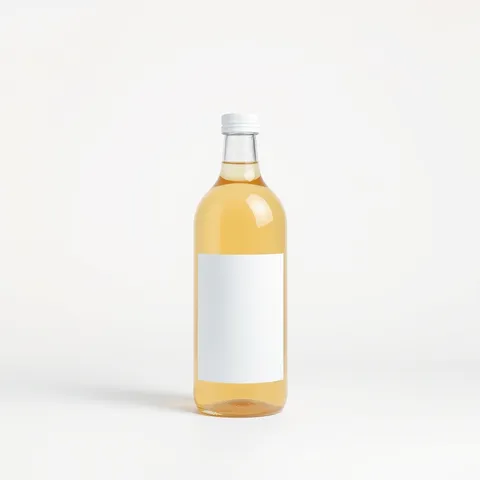
/productshot : With the product(s) in the attached photo, create a catalog product photo, plain off-white background, even diffused light, soft shadow under the product, every shape and texture clearly readable, professional look. square 1:1 format. Each product stays perfectly identical (shape, colors, logo, label). No added text. If the photo shows several products, keep them all, identical and clearly visible. Adapt the setting to the nature of the product: add nothing unrelated to it (no water unless it is a water-related product).
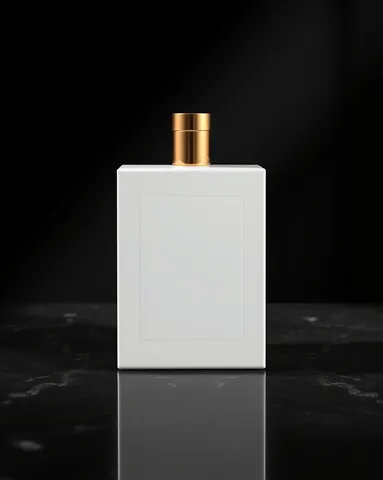
/luxury : With the product(s) in the attached photo, create the product presented with a luxury aesthetic: deep black background, discreet gold accents, dark marble surface, grazing light sculpting the outlines, elegant reflections, hushed atmosphere. vertical 4:5 format. Each product stays perfectly identical (shape, colors, logo, label). No added text. If the photo shows several products, keep them all, identical and clearly visible. Adapt the setting to the nature of the product: add nothing unrelated to it (no water unless it is a water-related product).
/billboard3d : With the product(s) in the attached photo, create the giant product bursting in relief out of a large 3D urban billboard, city at dusk, spectacular sense of scale, warm street lighting, realistic photo look. landscape 3:2 format. Each product stays perfectly identical (shape, colors, logo, label). No added text. If the photo shows several products, keep them all, identical and clearly visible. Adapt the setting to the nature of the product: add nothing unrelated to it (no water unless it is a water-related product).
/productshot : With the product(s) in the attached photo, create a catalog product photo, plain off-white background, even diffused light, soft shadow under the product, every shape and texture clearly readable, professional look. square 1:1 format. Each product stays perfectly identical (shape, colors, logo, label). No added text. If the photo shows several products, keep them all, identical and clearly visible. Adapt the setting to the nature of the product: add nothing unrelated to it (no water unless it is a water-related product).
/luxury : With the product(s) in the attached photo, create the product presented with a luxury aesthetic: deep black background, discreet gold accents, dark marble surface, grazing light sculpting the outlines, elegant reflections, hushed atmosphere. vertical 4:5 format. Each product stays perfectly identical (shape, colors, logo, label). No added text. If the photo shows several products, keep them all, identical and clearly visible. Adapt the setting to the nature of the product: add nothing unrelated to it (no water unless it is a water-related product).
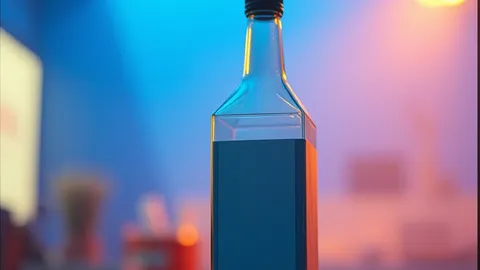
/cinematic : With the product(s) in the attached photo, create a scene with a cinematic look: the product in the foreground, strong depth of field, contrasty blue and orange light, light haze, fine film grain, wide framing. landscape 16:9 format. Each product stays perfectly identical (shape, colors, logo, label). No added text. If the photo shows several products, keep them all, identical and clearly visible. Adapt the setting to the nature of the product: add nothing unrelated to it (no water unless it is a water-related product).
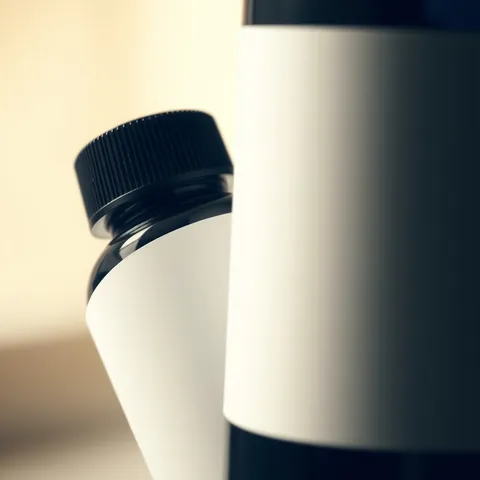
/macro : With the product(s) in the attached photo, create a macro close-up of the product revealing its textures and fine details, very shallow depth of field, side light, creamy blurred background, extreme sharpness on the main area. square 1:1 format. Each product stays perfectly identical (shape, colors, logo, label). No added text. If the photo shows several products, keep them all, identical and clearly visible. Adapt the setting to the nature of the product: add nothing unrelated to it (no water unless it is a water-related product).
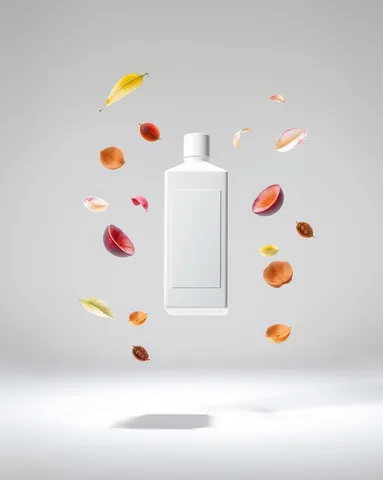
/floating : With the product(s) in the attached photo, create the product levitating in the center, surrounded by floating elements linked to its world (leaves, fruit, petals or ingredients depending on the product), soft shadow below, plain luminous background. vertical 4:5 format. Each product stays perfectly identical (shape, colors, logo, label). No added text. If the photo shows several products, keep them all, identical and clearly visible. Adapt the setting to the nature of the product: add nothing unrelated to it (no water unless it is a water-related product).
 Spectacular effectsAI-generated