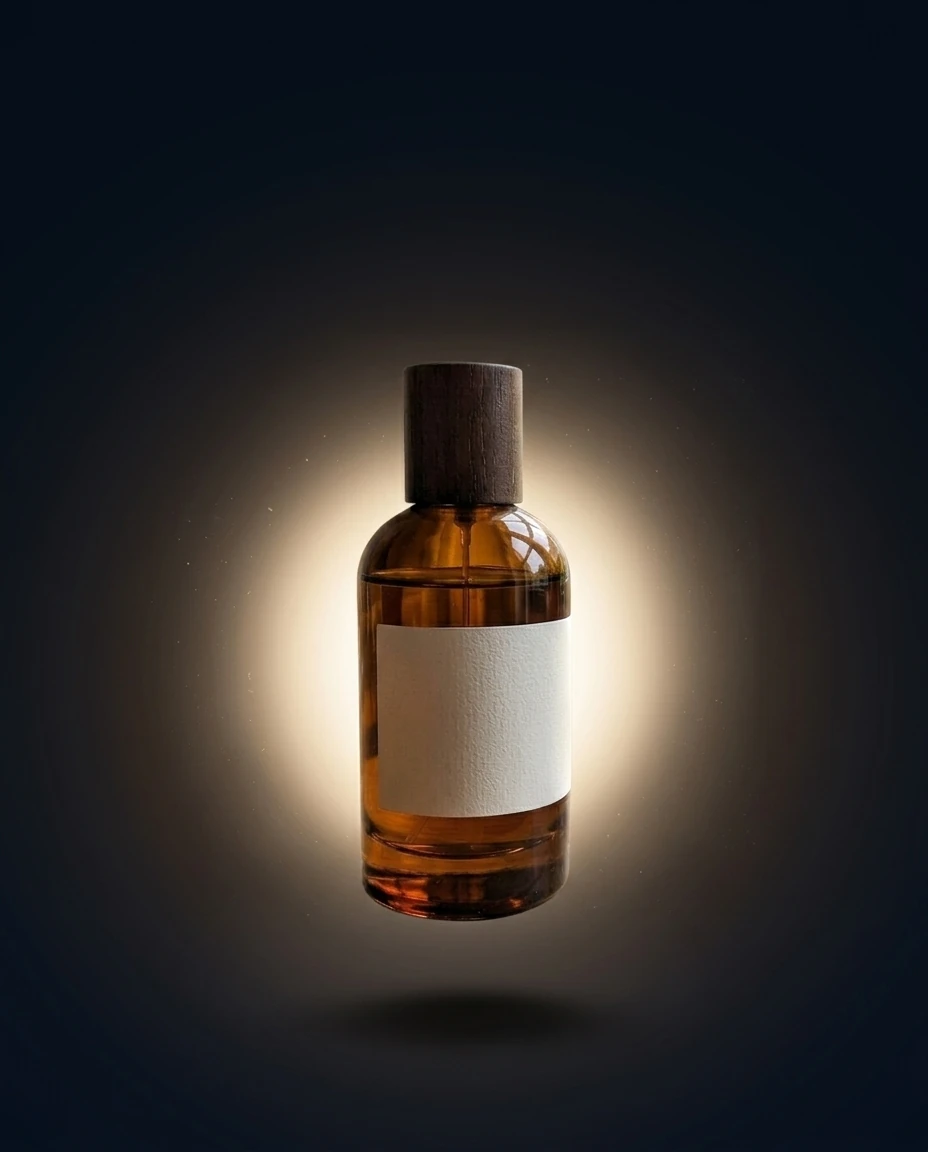
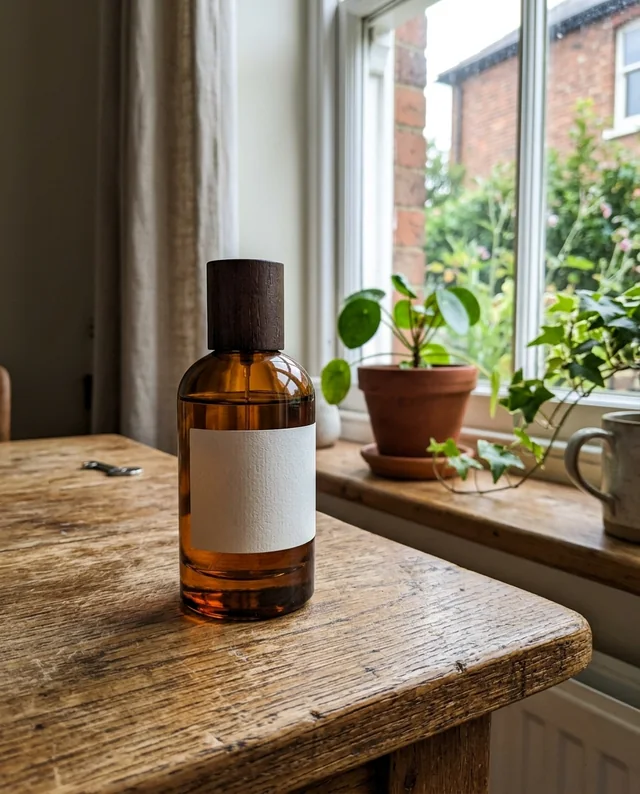
/productglow : The product in the attached photo floats in the center in a glowing halo, dark gradient background, soft shadow, studio light. Vertical 4:5 advertising poster, free space at the top for the headline. Keep the product perfectly identical (shape, colors, logo, label). If the photo shows several products, keep them all, identical and clearly visible. Adapt the setting to the nature of the product: add nothing unrelated to it (no water unless it is a water-related product).
/fashionposter : Turn the attached photo into a fashion advertising poster, vertical 4:5. The garment stays identical (cut, colors, patterns). Plain, understated background, soft studio light, light shadow under the garment. Large empty space at the top for the headline. Sharp, editorial look, no invented text. If the photo shows several products, keep them all, identical and clearly visible. Adapt the setting to the nature of the product: add nothing unrelated to it (no water unless it is a water-related product).
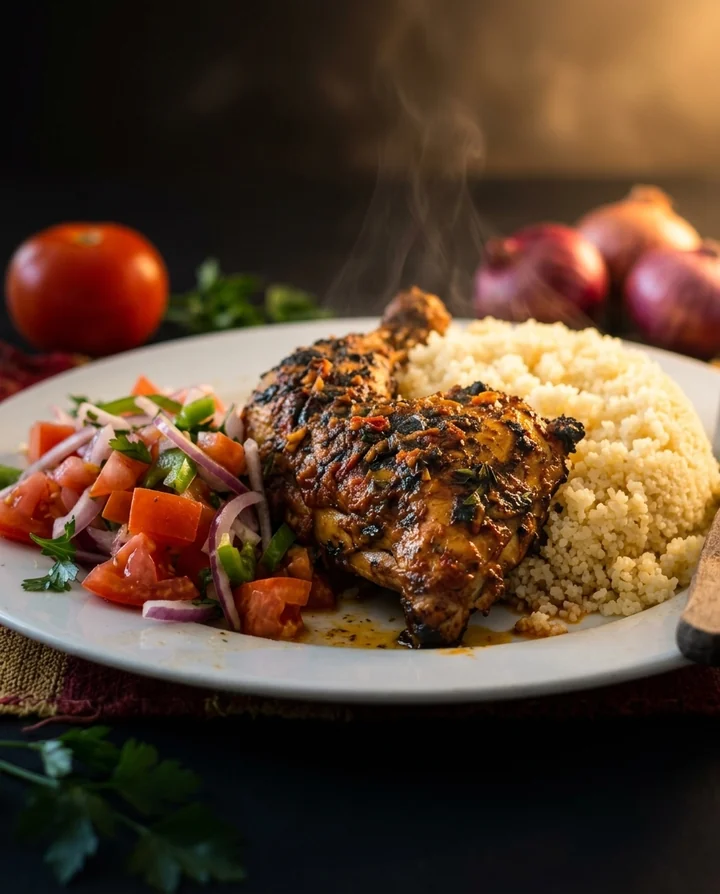
/menuhero : The dish in the attached photo in close-up, light steam, warm side light, dark blurred background, fresh ingredients around. Vertical 4:5 restaurant poster with free space at the bottom for the price. The dish stays faithful to the photo, no added ingredients or text. If the photo shows several dishes or drinks, keep them all, identical and clearly visible. Adapt the mood to the type of cuisine.
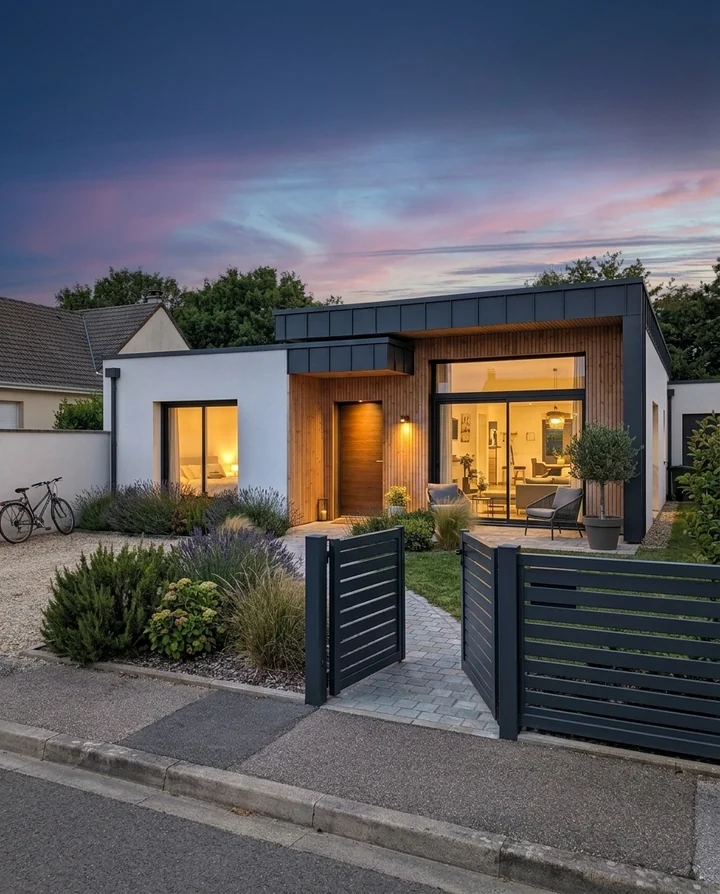
/openhouse : The facade in the attached photo at dusk, lit windows, gradient sky, tidy garden, architecture-magazine look. Vertical 4:5 poster with free space at the top for the headline and at the bottom for contact details. The architecture stays identical. Adapt the mood to the type of property and keep the architecture identical: change neither the structure nor the dimensions.
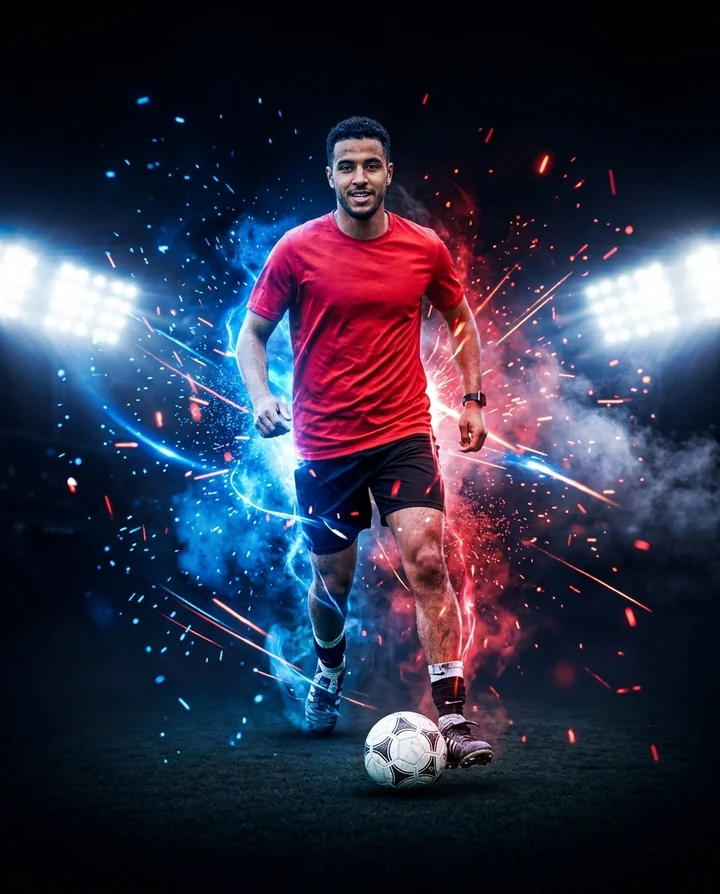
/matchday : With the attached photo of the athlete or team, create a vertical 4:5 match poster: strong contrast, stadium light, energy particles, dark background. Keep the face and outfit identical. Large free space for the date and teams. If the photo shows several people, keep them all, faces, outfits and proportions identical.
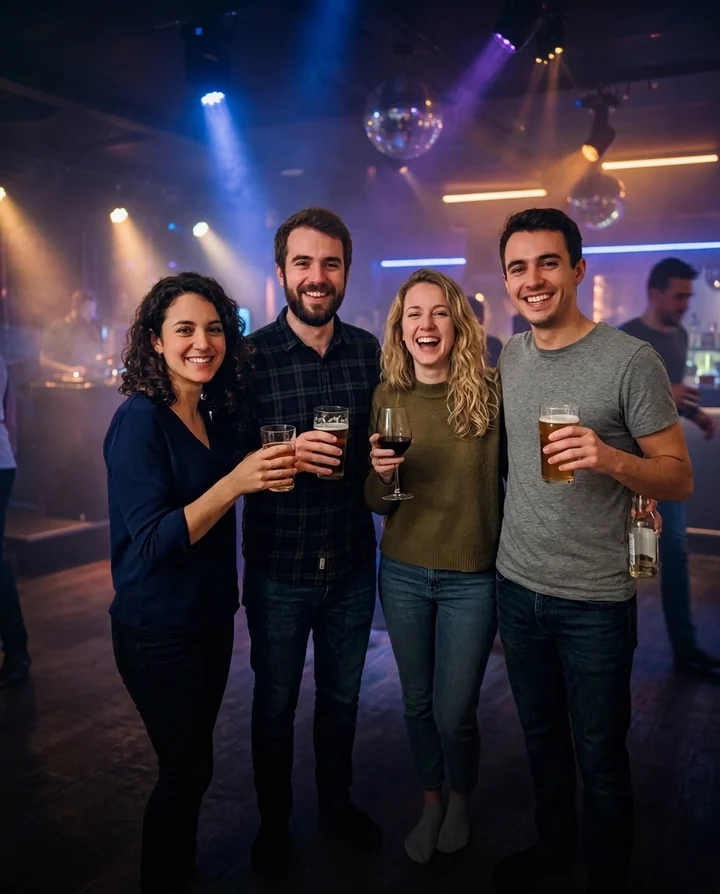
/eventnight : From the attached photo, create a vertical 4:5 party poster: club atmosphere, soft colored lights, light haze, subject clearly visible. Keep the people identical. Large free area for the date, venue and program. No added text or prices: leave the free areas empty. If the photo shows several people, keep them all, faces, outfits and proportions identical.
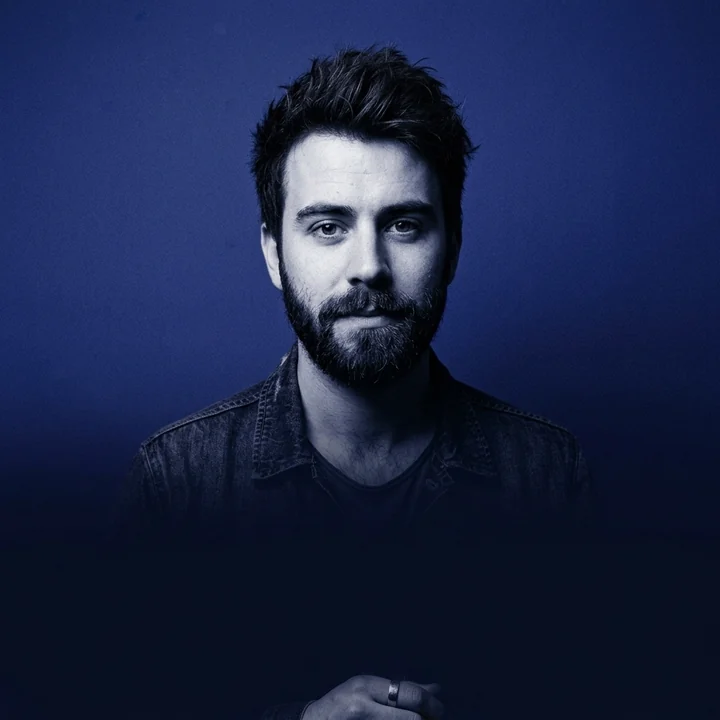
/coverdrop : Create a 1:1 square cover from the attached photo: centered portrait, strong contrast, light film grain, a single dominant color, clean background. The face stays identical. Leave room for the title in large letters, without inventing text. If the photo shows several people, keep them all, faces, outfits and proportions identical.
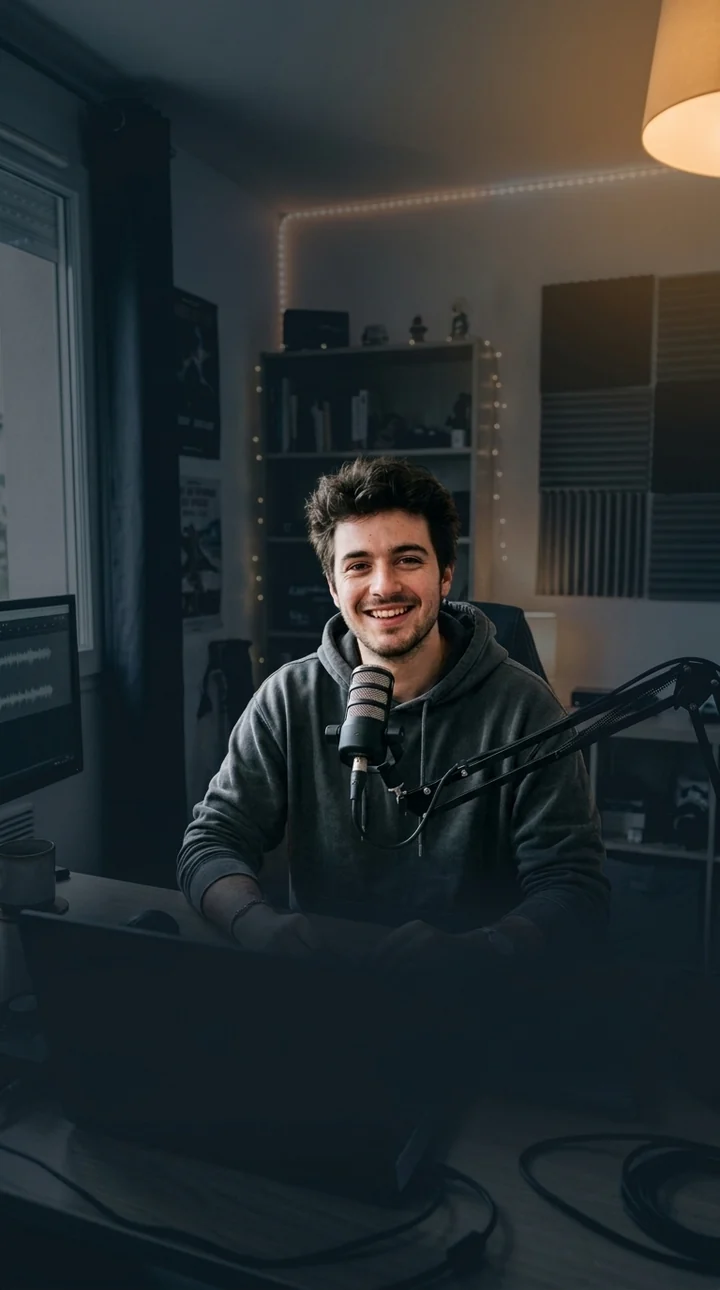
/reelcover : With the attached photo, create a short-video cover in 9:16: sharp subject in the center, simplified high-contrast background, large free area center-bottom for a readable title, safe edges (nothing important at the very top and bottom). The face stays identical. No added text or prices: leave the free areas empty. If the photo shows several people, keep them all, faces, outfits and proportions identical.
Keep your usual AI tool. We give you the right command.
Step 1 · On SlashAtlas
Copied ✓
/productglow
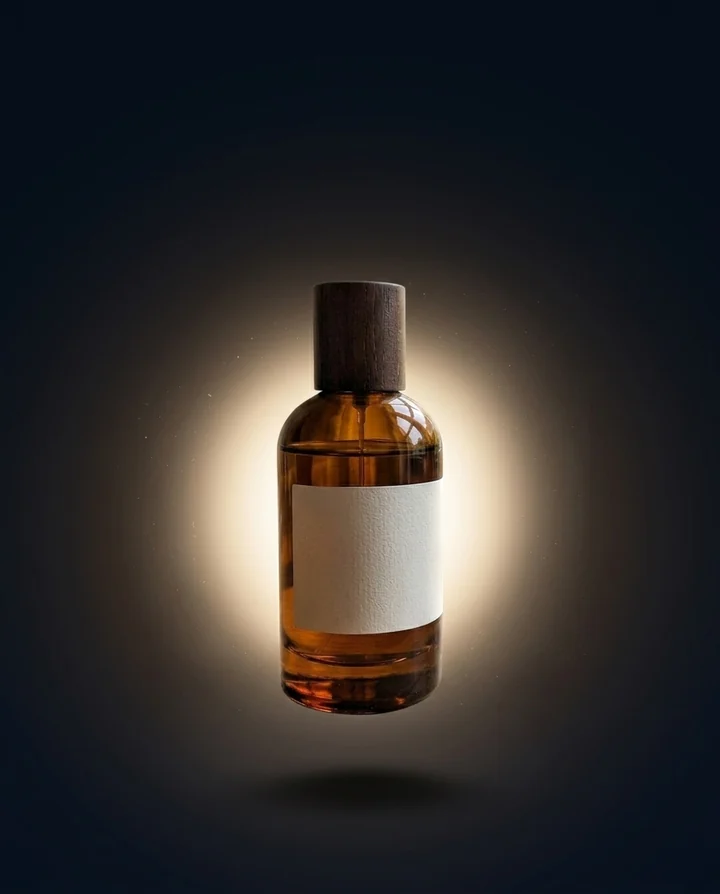
The product in the attached photo floats in the center in a glowing halo, dark gradient background, soft shadow, studio light. Vertical 4:5 advertising poster, free space at the top for the headline. Keep the product perfectly identical (shape, colors, logo, label).
Step 2 · In your AI toolYour AI tool
Hello! What would you like to create?
Your product photo
↑
Step 3 · Result
Illustration of the expected result with the /productglow command. The exact output depends on your AI tool.
 Product adsAI-generated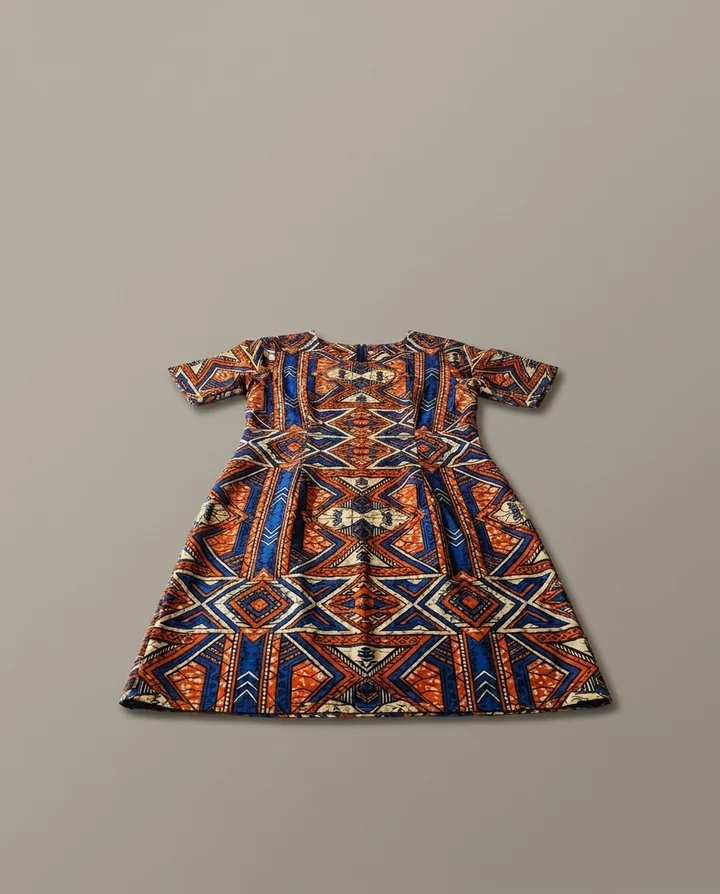
 Your product photo