Optional, up to 3 texts. They will be placed on the visual with a clean layout.
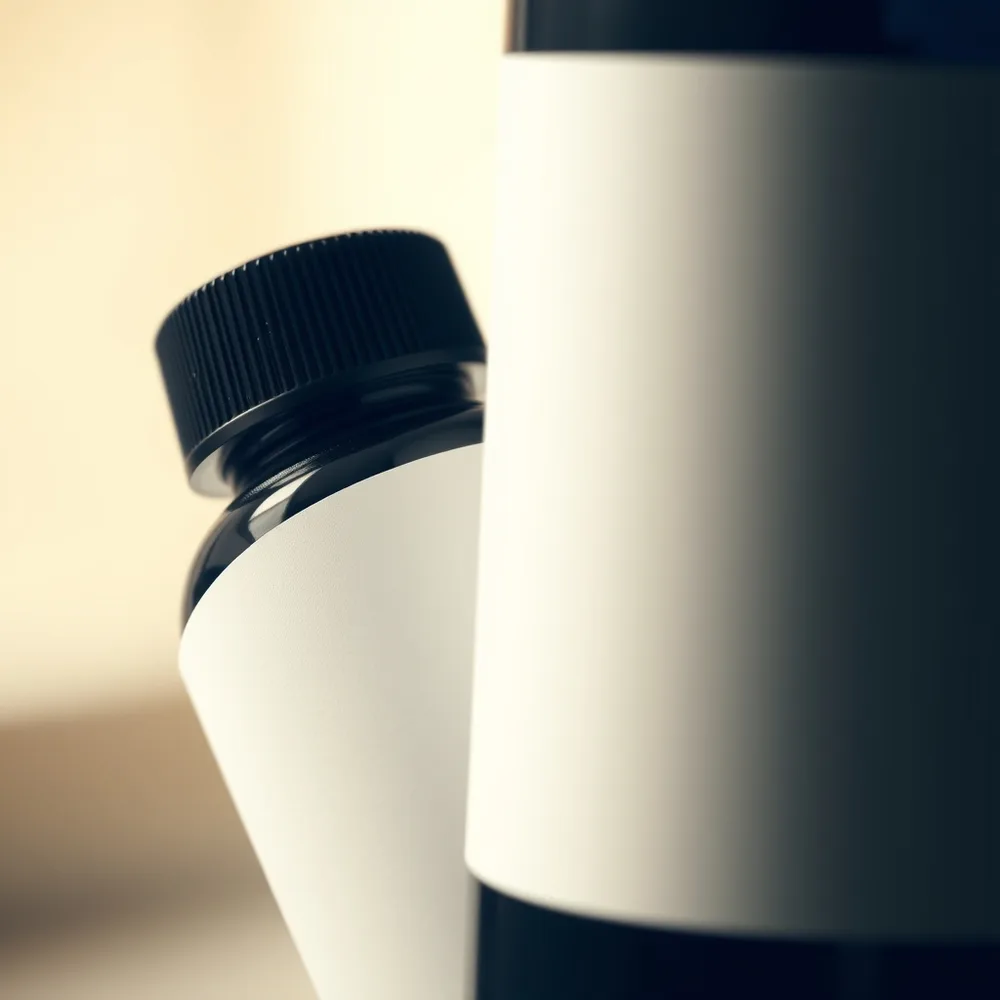
/macro : With the product(s) in the attached photo, create a macro close-up of the product revealing its textures and fine details, very shallow depth of field, side light, creamy blurred background, extreme sharpness on the main area. square 1:1 format. Each product stays perfectly identical (shape, colors, logo, label). No added text. If the photo shows several products, keep them all, identical and clearly visible. Adapt the setting to the nature of the product: add nothing unrelated to it (no water unless it is a water-related product).
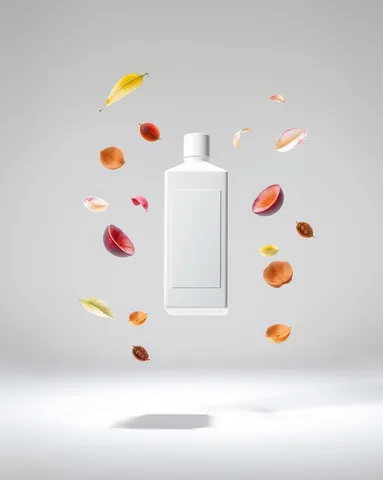
/floating : With the product(s) in the attached photo, create the product levitating in the center, surrounded by floating elements linked to its world (leaves, fruit, petals or ingredients depending on the product), soft shadow below, plain luminous background. vertical 4:5 format. Each product stays perfectly identical (shape, colors, logo, label). No added text. If the photo shows several products, keep them all, identical and clearly visible. Adapt the setting to the nature of the product: add nothing unrelated to it (no water unless it is a water-related product).
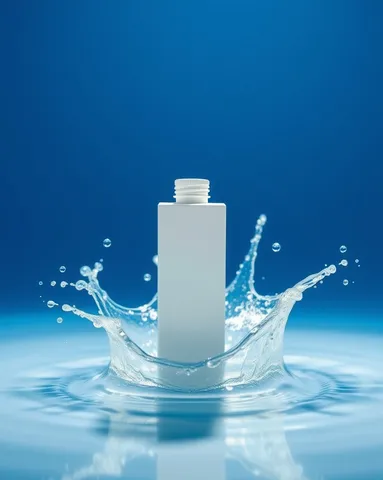
/splash : With the product(s) in the attached photo, create the product surrounded by a crystal-clear water splash frozen mid-motion, sharp suspended droplets, deep blue gradient background, bright light making the liquid sparkle. vertical 4:5 format. Each product stays perfectly identical (shape, colors, logo, label). No added text. If the photo shows several products, keep them all, identical and clearly visible. Adapt the setting to the nature of the product: add nothing unrelated to it (no water unless it is a water-related product).
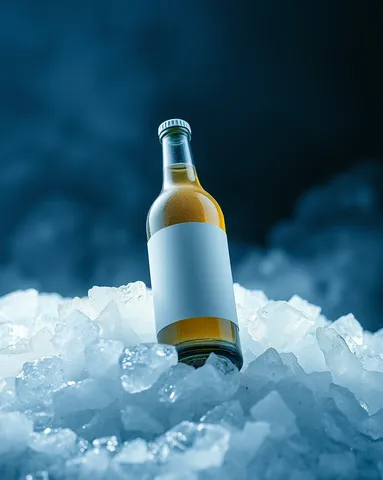
/ice : With the product(s) in the attached photo, create the product resting on crushed ice and frost crystals, light cold vapor, glacier-blue tones, cold reflections, dark gradient background, a feeling of intense freshness. vertical 4:5 format. Each product stays perfectly identical (shape, colors, logo, label). No added text. If the photo shows several products, keep them all, identical and clearly visible. Adapt the setting to the nature of the product: add nothing unrelated to it (no water unless it is a water-related product).
/floating : With the product(s) in the attached photo, create the product levitating in the center, surrounded by floating elements linked to its world (leaves, fruit, petals or ingredients depending on the product), soft shadow below, plain luminous background. vertical 4:5 format. Each product stays perfectly identical (shape, colors, logo, label). No added text. If the photo shows several products, keep them all, identical and clearly visible. Adapt the setting to the nature of the product: add nothing unrelated to it (no water unless it is a water-related product).
/splash : With the product(s) in the attached photo, create the product surrounded by a crystal-clear water splash frozen mid-motion, sharp suspended droplets, deep blue gradient background, bright light making the liquid sparkle. vertical 4:5 format. Each product stays perfectly identical (shape, colors, logo, label). No added text. If the photo shows several products, keep them all, identical and clearly visible. Adapt the setting to the nature of the product: add nothing unrelated to it (no water unless it is a water-related product).
/ice : With the product(s) in the attached photo, create the product resting on crushed ice and frost crystals, light cold vapor, glacier-blue tones, cold reflections, dark gradient background, a feeling of intense freshness. vertical 4:5 format. Each product stays perfectly identical (shape, colors, logo, label). No added text. If the photo shows several products, keep them all, identical and clearly visible. Adapt the setting to the nature of the product: add nothing unrelated to it (no water unless it is a water-related product).
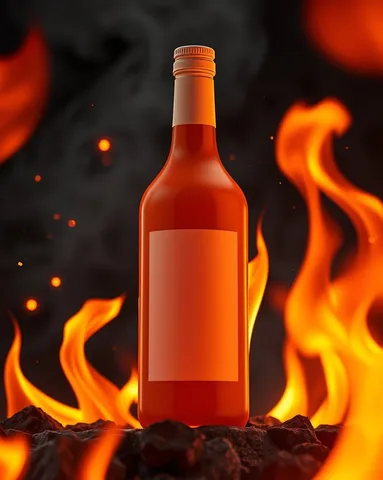
/fire : With the product(s) in the attached photo, create the product surrounded by stylized flames and glowing sparks, vivid orange light on the outlines, dark background, floating embers, an intense hot mood. vertical 4:5 format. Each product stays perfectly identical (shape, colors, logo, label). No added text. If the photo shows several products, keep them all, identical and clearly visible. Adapt the setting to the nature of the product: add nothing unrelated to it (no water unless it is a water-related product).
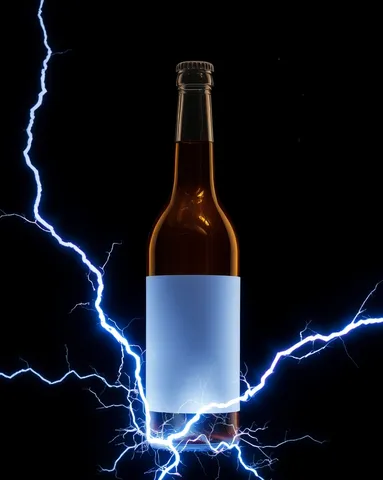
/energy : With the product(s) in the attached photo, create the product crossed by electric arcs and electric-blue lightning, a glowing halo around it, dark background, floating energy particles, strong contrast. vertical 4:5 format. Each product stays perfectly identical (shape, colors, logo, label). No added text. If the photo shows several products, keep them all, identical and clearly visible. Adapt the setting to the nature of the product: add nothing unrelated to it (no water unless it is a water-related product).
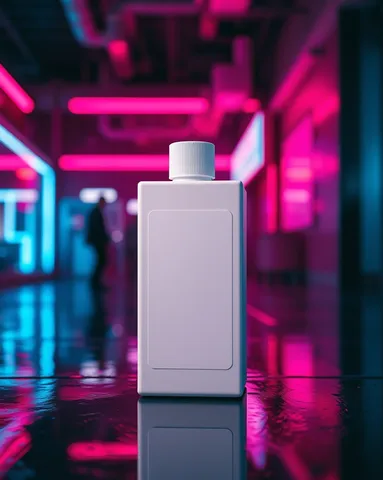
/neon : With the product(s) in the attached photo, create the product in a futuristic scene lit with pink and blue neon, colored reflections on the surfaces, glossy wet floor, dark blurred urban background, a night-time mood. vertical 4:5 format. Each product stays perfectly identical (shape, colors, logo, label). No added text. If the photo shows several products, keep them all, identical and clearly visible. Adapt the setting to the nature of the product: add nothing unrelated to it (no water unless it is a water-related product).
 Spectacular effectsAI-generated