Optional, up to 3 texts. They will be placed on the visual with a clean layout.
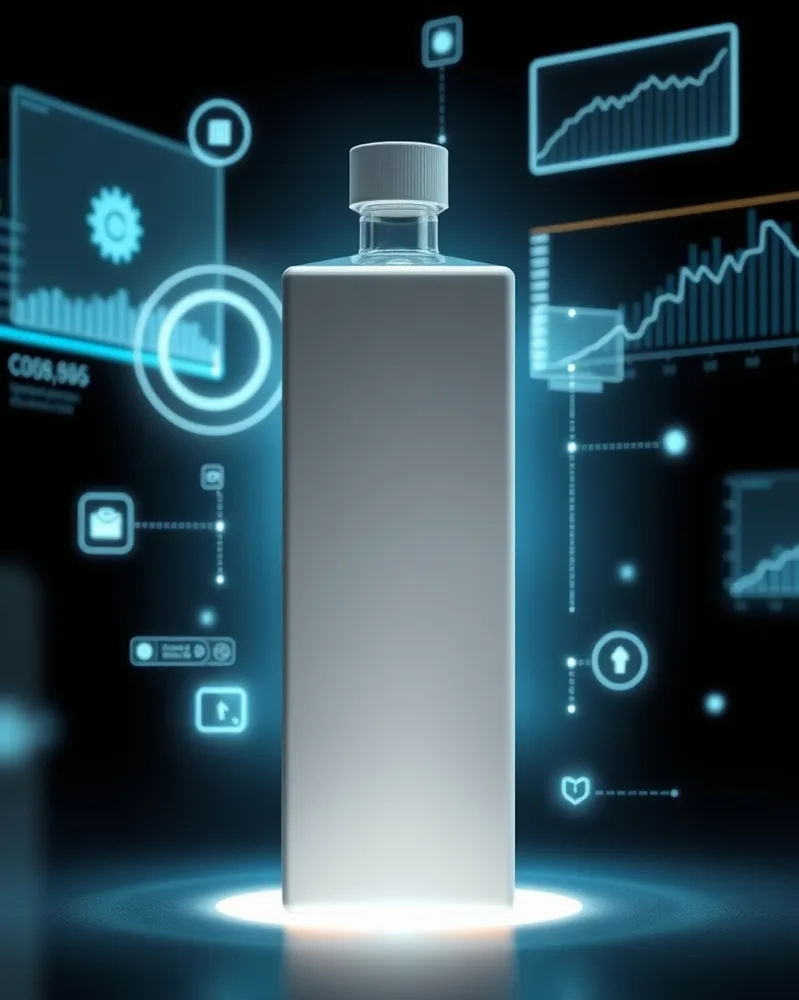
/hologram : With the product(s) in the attached photo, create the product surrounded by translucent light-blue holograms and digital interfaces, floating graphs and glowing lines, dark background, a halo of light under the product. vertical 4:5 format. Each product stays perfectly identical (shape, colors, logo, label). No added text. If the photo shows several products, keep them all, identical and clearly visible. Adapt the setting to the nature of the product: add nothing unrelated to it (no water unless it is a water-related product).
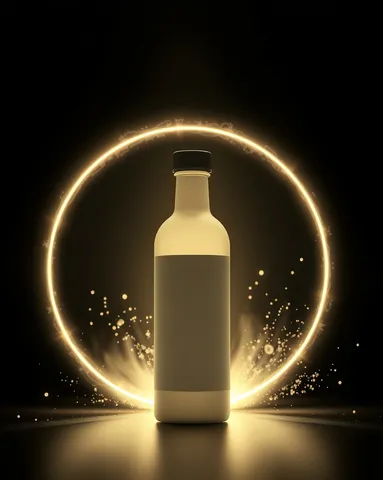
/portal : With the product(s) in the attached photo, create the product coming out of a circular glowing energy portal, rings of light and particles, dark background, rays lighting the product from behind, an apparition effect. vertical 4:5 format. Each product stays perfectly identical (shape, colors, logo, label). No added text. If the photo shows several products, keep them all, identical and clearly visible. Adapt the setting to the nature of the product: add nothing unrelated to it (no water unless it is a water-related product).
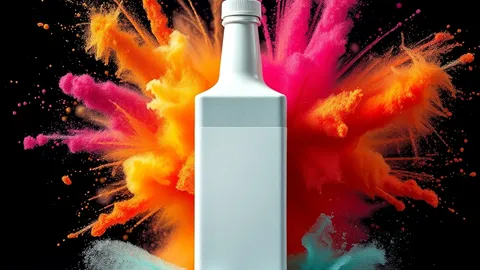
/explosion : With the product(s) in the attached photo, create the sharp, intact product at the center of a spectacular explosion of colored powder and frozen particles, a visible shockwave, vivid light, dark background. landscape 16:9 format. Each product stays perfectly identical (shape, colors, logo, label). No added text. If the photo shows several products, keep them all, identical and clearly visible. Adapt the setting to the nature of the product: add nothing unrelated to it (no water unless it is a water-related product).
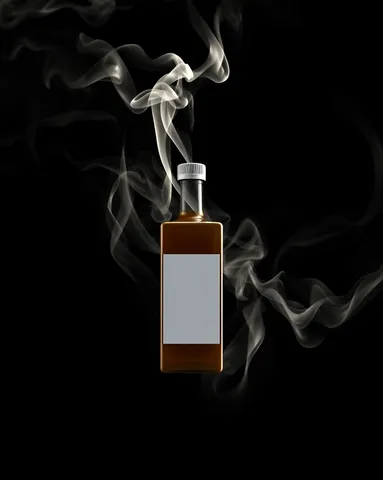
/smoke : With the product(s) in the attached photo, create the product surrounded by wisps of dense, luminous smoke, side light cutting through the smoke, black background, a mysterious dramatic mood, the fine texture of the smoke clearly visible. vertical 4:5 format. Each product stays perfectly identical (shape, colors, logo, label). No added text. If the photo shows several products, keep them all, identical and clearly visible. Adapt the setting to the nature of the product: add nothing unrelated to it (no water unless it is a water-related product).
/portal : With the product(s) in the attached photo, create the product coming out of a circular glowing energy portal, rings of light and particles, dark background, rays lighting the product from behind, an apparition effect. vertical 4:5 format. Each product stays perfectly identical (shape, colors, logo, label). No added text. If the photo shows several products, keep them all, identical and clearly visible. Adapt the setting to the nature of the product: add nothing unrelated to it (no water unless it is a water-related product).
/explosion : With the product(s) in the attached photo, create the sharp, intact product at the center of a spectacular explosion of colored powder and frozen particles, a visible shockwave, vivid light, dark background. landscape 16:9 format. Each product stays perfectly identical (shape, colors, logo, label). No added text. If the photo shows several products, keep them all, identical and clearly visible. Adapt the setting to the nature of the product: add nothing unrelated to it (no water unless it is a water-related product).
/smoke : With the product(s) in the attached photo, create the product surrounded by wisps of dense, luminous smoke, side light cutting through the smoke, black background, a mysterious dramatic mood, the fine texture of the smoke clearly visible. vertical 4:5 format. Each product stays perfectly identical (shape, colors, logo, label). No added text. If the photo shows several products, keep them all, identical and clearly visible. Adapt the setting to the nature of the product: add nothing unrelated to it (no water unless it is a water-related product).
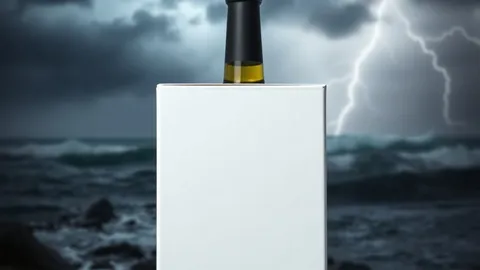
/storm : With the product(s) in the attached photo, create the product resting on a rock in the heart of an epic storm, dark heavy sky, distant lightning, waves and spray, dramatic light on the product, realistic photo look. landscape 16:9 format. Each product stays perfectly identical (shape, colors, logo, label). No added text. If the photo shows several products, keep them all, identical and clearly visible. Adapt the setting to the nature of the product: add nothing unrelated to it (no water unless it is a water-related product).
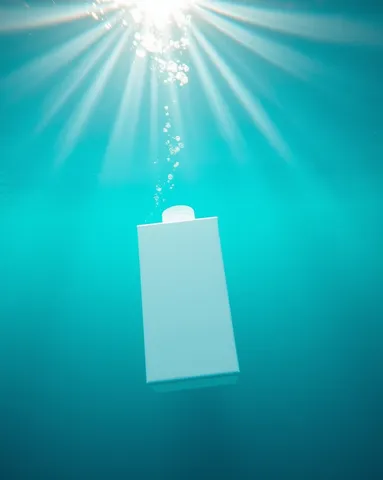
/underwater : With the product(s) in the attached photo, create the product underwater, clear turquoise water, sunrays descending, fine suspended bubbles, a slight ripple of light on the product, a calm mood. vertical 4:5 format. Each product stays perfectly identical (shape, colors, logo, label). No added text. If the photo shows several products, keep them all, identical and clearly visible. Adapt the setting to the nature of the product: add nothing unrelated to it (no water unless it is a water-related product).
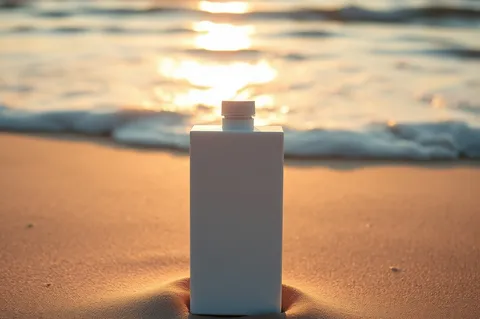
/ocean : With the product(s) in the attached photo, create the product resting on the wet sand of a beach, gentle waves in the background, golden sunrise light, clear sky, reflections on the sand, a feeling of freedom. landscape 3:2 format. Each product stays perfectly identical (shape, colors, logo, label). No added text. If the photo shows several products, keep them all, identical and clearly visible. Adapt the setting to the nature of the product: add nothing unrelated to it (no water unless it is a water-related product).
 Spectacular effectsAI-generated