Optional, up to 3 texts. They will be placed on the visual with a clean layout.
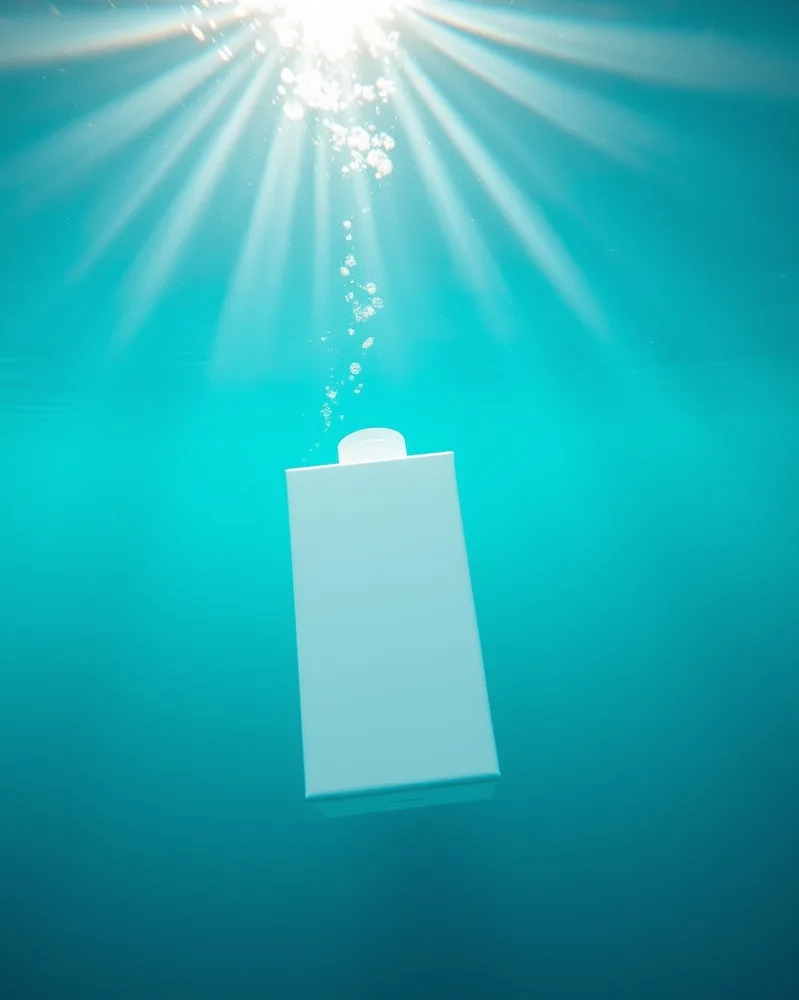
/underwater : With the product(s) in the attached photo, create the product underwater, clear turquoise water, sunrays descending, fine suspended bubbles, a slight ripple of light on the product, a calm mood. vertical 4:5 format. Each product stays perfectly identical (shape, colors, logo, label). No added text. If the photo shows several products, keep them all, identical and clearly visible. Adapt the setting to the nature of the product: add nothing unrelated to it (no water unless it is a water-related product).
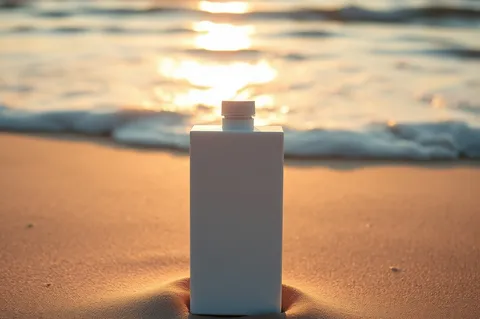
/ocean : With the product(s) in the attached photo, create the product resting on the wet sand of a beach, gentle waves in the background, golden sunrise light, clear sky, reflections on the sand, a feeling of freedom. landscape 3:2 format. Each product stays perfectly identical (shape, colors, logo, label). No added text. If the photo shows several products, keep them all, identical and clearly visible. Adapt the setting to the nature of the product: add nothing unrelated to it (no water unless it is a water-related product).
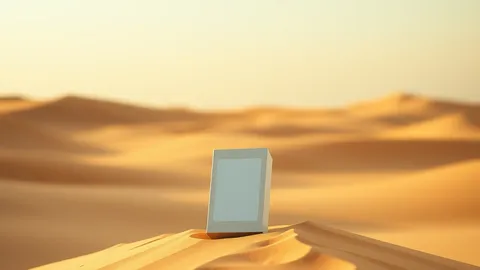
/desert : With the product(s) in the attached photo, create the product resting on a dune in a cinematic desert, golden sand, huge gradient sky, long shadows, a light wind lifting a little sand, wide framing. landscape 16:9 format. Each product stays perfectly identical (shape, colors, logo, label). No added text. If the photo shows several products, keep them all, identical and clearly visible. Adapt the setting to the nature of the product: add nothing unrelated to it (no water unless it is a water-related product).
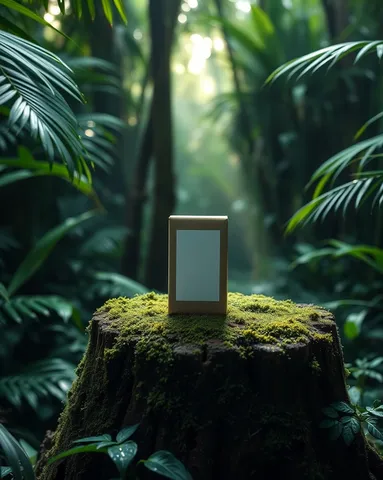
/jungle : With the product(s) in the attached photo, create the product resting on a moss-covered stump in a tropical jungle, dense foliage, filtering rays of light, dew drops, deep green tones, a humid mood. vertical 4:5 format. Each product stays perfectly identical (shape, colors, logo, label). No added text. If the photo shows several products, keep them all, identical and clearly visible. Adapt the setting to the nature of the product: add nothing unrelated to it (no water unless it is a water-related product).
/ocean : With the product(s) in the attached photo, create the product resting on the wet sand of a beach, gentle waves in the background, golden sunrise light, clear sky, reflections on the sand, a feeling of freedom. landscape 3:2 format. Each product stays perfectly identical (shape, colors, logo, label). No added text. If the photo shows several products, keep them all, identical and clearly visible. Adapt the setting to the nature of the product: add nothing unrelated to it (no water unless it is a water-related product).
/desert : With the product(s) in the attached photo, create the product resting on a dune in a cinematic desert, golden sand, huge gradient sky, long shadows, a light wind lifting a little sand, wide framing. landscape 16:9 format. Each product stays perfectly identical (shape, colors, logo, label). No added text. If the photo shows several products, keep them all, identical and clearly visible. Adapt the setting to the nature of the product: add nothing unrelated to it (no water unless it is a water-related product).
/jungle : With the product(s) in the attached photo, create the product resting on a moss-covered stump in a tropical jungle, dense foliage, filtering rays of light, dew drops, deep green tones, a humid mood. vertical 4:5 format. Each product stays perfectly identical (shape, colors, logo, label). No added text. If the photo shows several products, keep them all, identical and clearly visible. Adapt the setting to the nature of the product: add nothing unrelated to it (no water unless it is a water-related product).
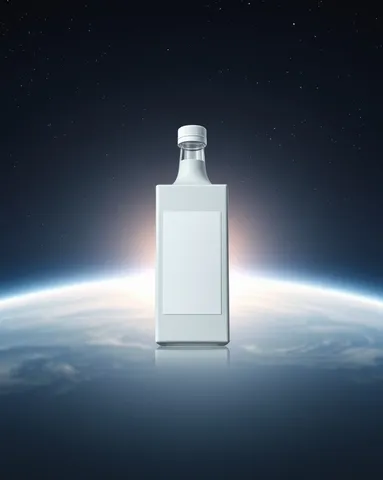
/space : With the product(s) in the attached photo, create the product floating in space in front of a luminous planet, a sharp starry sky, grazing light drawing the outlines, bluish reflections, a silent and grand mood. vertical 4:5 format. Each product stays perfectly identical (shape, colors, logo, label). No added text. If the photo shows several products, keep them all, identical and clearly visible. Adapt the setting to the nature of the product: add nothing unrelated to it (no water unless it is a water-related product).
/blueprint : With the product(s) in the attached photo, create the product presented like an engineering blueprint: blue grid background, thin white lines around the product, pointer arrows with no text, several drawn views, a precise technical look. landscape 3:2 format. Each product stays perfectly identical (shape, colors, logo, label). No added text. If the photo shows several products, keep them all, identical and clearly visible. Adapt the setting to the nature of the product: add nothing unrelated to it (no water unless it is a water-related product).
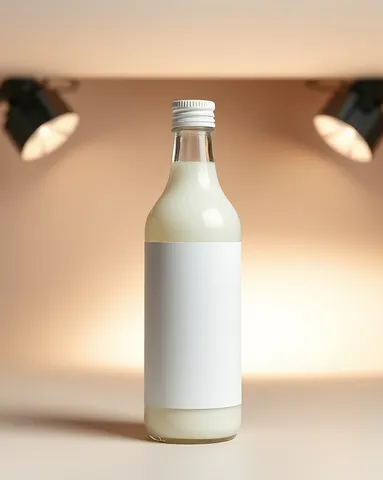
/professionalshowcase : With the product(s) in the attached photo, create a product photo session at professional studio quality: three-light setup, neutral background, a slight cast shadow, controlled reflections, faithful colors, sharp high-definition look. vertical 4:5 format. Each product stays perfectly identical (shape, colors, logo, label). No added text. If the photo shows several products, keep them all, identical and clearly visible. Adapt the setting to the nature of the product: add nothing unrelated to it (no water unless it is a water-related product).
 Spectacular effectsAI-generated