Optional, up to 3 texts. They will be placed on the visual with a clean layout.
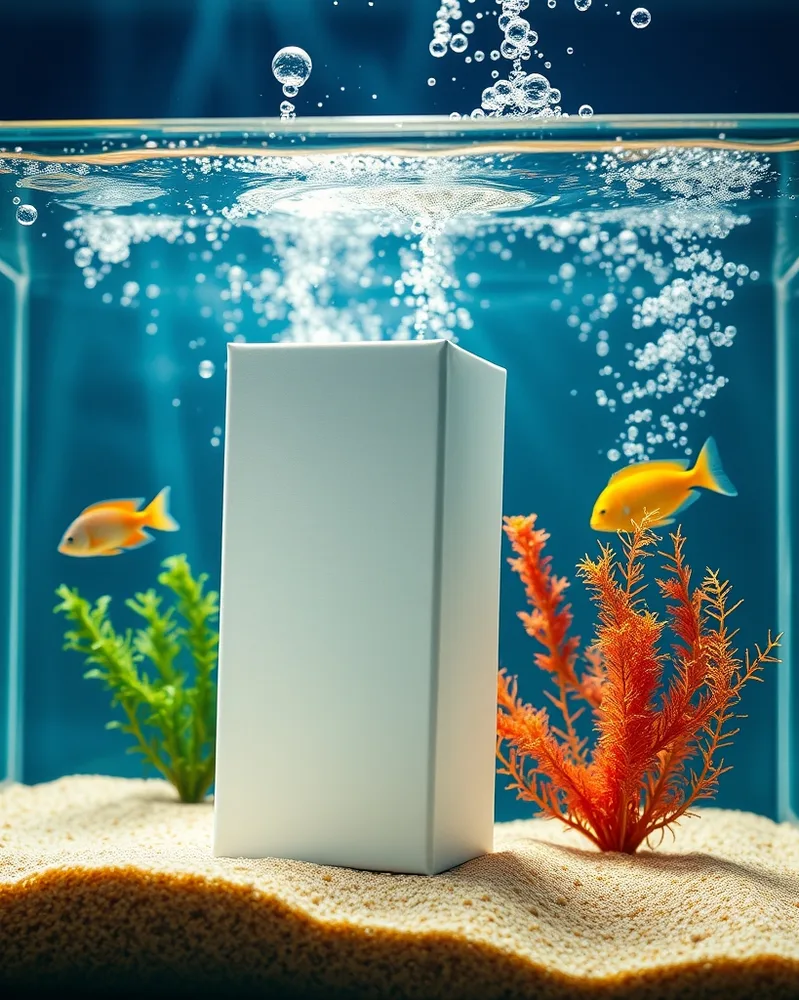
/dioaquarium : With the product(s) in the attached photo, create the product from the photo at the bottom of a glass aquarium with sand, seaweed and colorful fish around, rising bubbles, beams of light through the water, deep blue-green colors, a sharp rendering despite the water, without distorting the product. vertical 4:5 format. Each product stays perfectly identical (shape, colors, logo, label). No added text. If the photo shows several products, keep them all, identical and clearly visible. Adapt the setting to the nature of the product: add nothing unrelated to it (no water unless it is a water-related product).
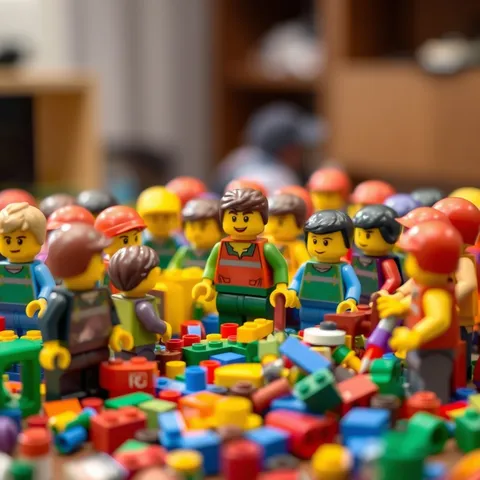
/diobricks : Create a scene of [your subject] entirely built in colorful plastic building bricks, round-headed characters, details in small pieces, slight depth of field, tabletop lighting, a blurred room background, a glossy plastic texture. square 1:1 format. Replace the words in square brackets with your own subject. Adapt every element to the subject given: colors, objects, mood and visual vocabulary must stay consistent with one another.
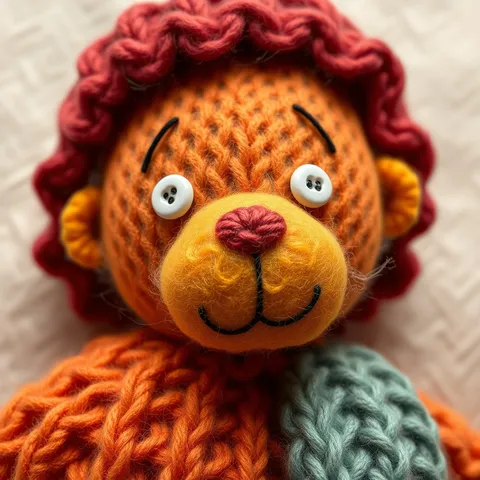
/dioknit : Create a scene of [your subject] entirely made of knitted wool and felt, visible stitches, warm vivid colors, small buttons as eyes, a soft fabric background, soft macro, natural light, a handmade mood. square 1:1 format. Replace the words in square brackets with your own subject. Adapt every element to the subject given: colors, objects, mood and visual vocabulary must stay consistent with one another.
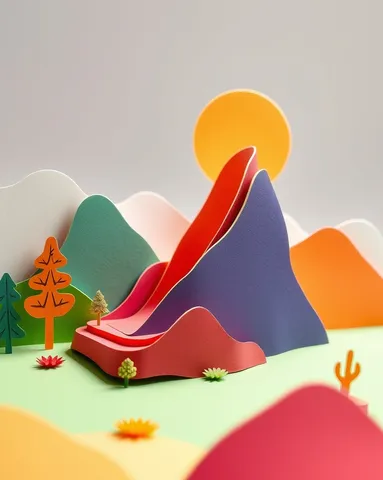
/diopapercraft : Create a scene of [your subject] made of several stacked cut-paper layers in bold colors, drop shadows between the layers for depth, a white edge, soft top lighting, a light-box look, fine details. vertical 4:5 format. Replace the words in square brackets with your own subject. Adapt every element to the subject given: colors, objects, mood and visual vocabulary must stay consistent with one another.
/diobricks : Create a scene of [your subject] entirely built in colorful plastic building bricks, round-headed characters, details in small pieces, slight depth of field, tabletop lighting, a blurred room background, a glossy plastic texture. square 1:1 format. Replace the words in square brackets with your own subject. Adapt every element to the subject given: colors, objects, mood and visual vocabulary must stay consistent with one another.
/dioknit : Create a scene of [your subject] entirely made of knitted wool and felt, visible stitches, warm vivid colors, small buttons as eyes, a soft fabric background, soft macro, natural light, a handmade mood. square 1:1 format. Replace the words in square brackets with your own subject. Adapt every element to the subject given: colors, objects, mood and visual vocabulary must stay consistent with one another.
/diopapercraft : Create a scene of [your subject] made of several stacked cut-paper layers in bold colors, drop shadows between the layers for depth, a white edge, soft top lighting, a light-box look, fine details. vertical 4:5 format. Replace the words in square brackets with your own subject. Adapt every element to the subject given: colors, objects, mood and visual vocabulary must stay consistent with one another.
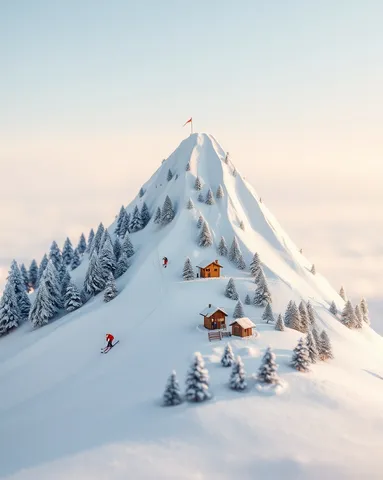
/dioskislope : With the product(s) in the attached photo, create the product from the photo enlarged like a snowy mountain, a ski run drawn on its shape, tiny skiers, chairlift, small chalets and frosted fir trees at the base, powder snow, clear sky, cold but soft light, a credible miniature scale. vertical 4:5 format. Each product stays perfectly identical (shape, colors, logo, label). No added text. If the photo shows several products, keep them all, identical and clearly visible. Adapt the setting to the nature of the product: add nothing unrelated to it (no water unless it is a water-related product).
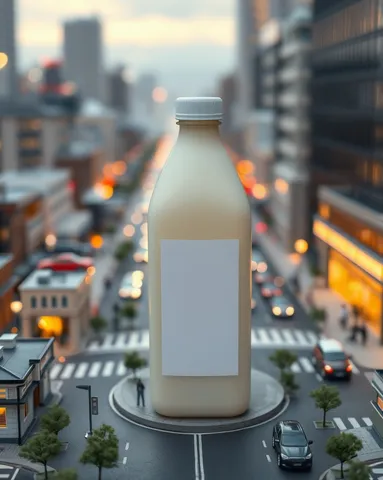
/diocity : With the product(s) in the attached photo, create the product from the photo giant at the center of a miniature city: tiny buildings, roads, cars and passers-by around and on it, lit windows, golden-hour light, depth of field like a model photographed up close. vertical 4:5 format. Each product stays perfectly identical (shape, colors, logo, label). No added text. If the photo shows several products, keep them all, identical and clearly visible. Adapt the setting to the nature of the product: add nothing unrelated to it (no water unless it is a water-related product).
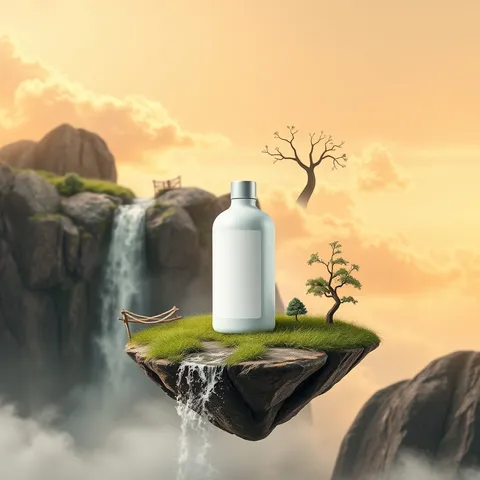
/dioisland : With the product(s) in the attached photo, create the product from the photo placed on a small floating island of rock and grass, a waterfall falling into the void, small trees and a rope bridge, golden clouds around, gradient sky, a fairy-tale mood, soft magical light. square 1:1 format. Each product stays perfectly identical (shape, colors, logo, label). No added text. If the photo shows several products, keep them all, identical and clearly visible. Adapt the setting to the nature of the product: add nothing unrelated to it (no water unless it is a water-related product).
 Product in a miniature worldAI-generated